How to get a track recorded in the Navionics Boating app out as a GPX file and open it in another app on your iPhone.
The Navionics Boating app can record tracks on your phone while you're out on the water. On many versions you can export a track as a GPX file (the open format other apps, plotters and mapping tools read) and open it in another app such as Manta.
Before you start
- A track recorded in the Navionics Boating app
- The current version of the app, as export options have changed over time
Export the track as GPX
- Open the Navionics Boating app and go to your saved tracks, usually found in the app's menu under Tracks.
- Open the track you want to export.
- Look for a share or export option on the track.
- If the app asks for a format, choose GPX.
- In the share sheet, choose Save to Files, or send it straight to another device with AirDrop or Mail.
The app's screens and menu names differ between versions, and between iPhone and iPad. If you can't find an export option, check the app's help.
Open it in Manta
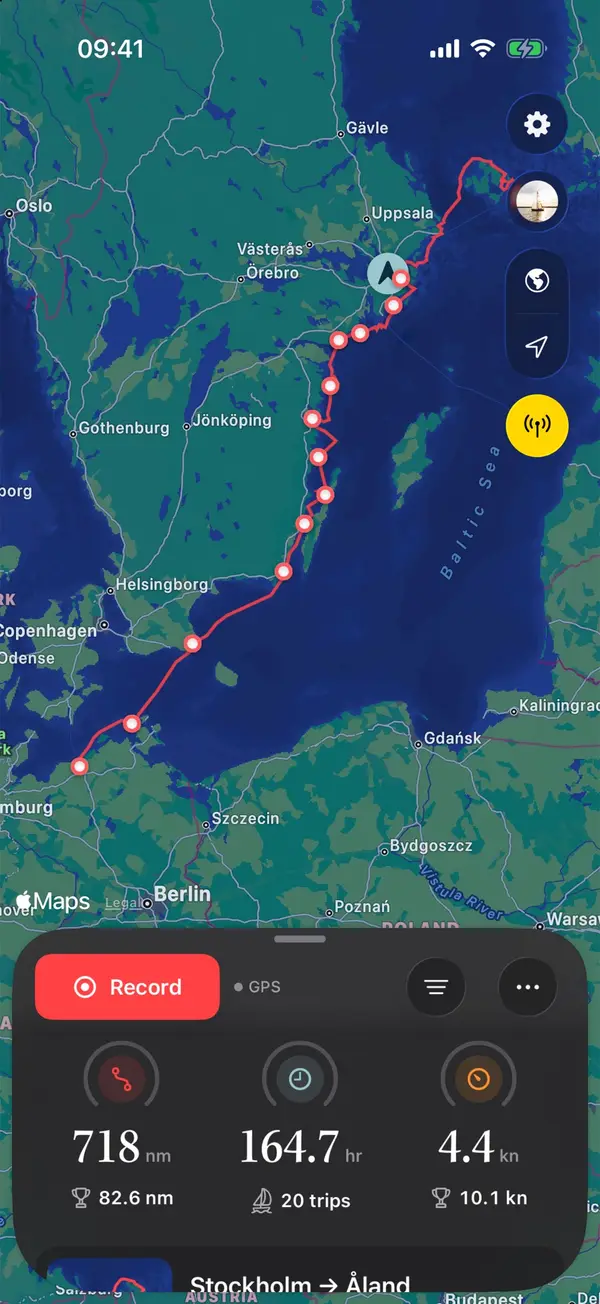
Tap the GPX file in Files (or in Mail) and choose Manta. The guided import splits a long recording into trips, leaves out the hours in harbour, skips trips you already have and asks which boat sailed them. Each trip then gets its map, replay and statistics.
Recording directly in Manta
Record your next trip in Manta directly: tap Record on the home screen. Manta uses the iPhone's GPS, keeps going with the phone locked and writes departure, tacks, gybes and anchoring into the log on its own. With a plotter or a WiFi gateway connected, Manta Pro adds wind, depth and speed through the water. See Connect your plotter.
Questions
Isn't the track already on my iPhone?
It is, but inside the Navionics app. Exporting it makes a GPX file that other apps, plotters and mapping tools can read.
I can't find an export option. What now?
The app changes between versions, and options can move. Look in the app's own help, or ask Navionics support whether your version can export tracks as GPX.
What does Manta add to a track I already have?
Each imported trip gets its map, replay and statistics. Recorded in Manta itself, a trip also gets automatic log entries for departure, tacks, gybes and anchoring.
Manta does this for you
Import and export GPX tracks
Bring in old tracks from your plotter or other apps; long recordings are split into trips. Export any trip as GPX.