How to save tracks from a Garmin GPSMAP or ECHOMAP chartplotter to a memory card as GPX and open them on your iPhone.
Garmin GPSMAP and ECHOMAP displays record where your boat has been as tracks. On most models you can save them to a memory card as a GPX file (the open format other apps, plotters and mapping tools read) and from there bring them onto your iPhone.
Before you start
- A microSD card with free space, formatted FAT32
- Track recording switched on, otherwise the plotter has nothing to save
- A way to get the file onto your phone: an SD card reader for the iPhone, or a computer
Save the tracks as GPX
- Insert the card into the display's card slot.
- If the trip is still in the active track, save it first. On many models there is an option like Save Active Track in the tracks menu.
- Open the menu for your user data, usually called User Data or Manage Data, and look for Data Transfer.
- Choose to save to the card. If the display asks for a format, pick GPX.
- Confirm and wait until the display has finished writing.
Menu names and the order of steps differ by model and software version. If you can't find an entry, look for Data Transfer or Save to Card, or check the manual for your display.
Get the file onto your iPhone
- SD card reader: plug it into the iPhone and open the card in the Files app.
- Computer: copy the GPX file from the card, then AirDrop or mail it to your phone.
Open it in Manta
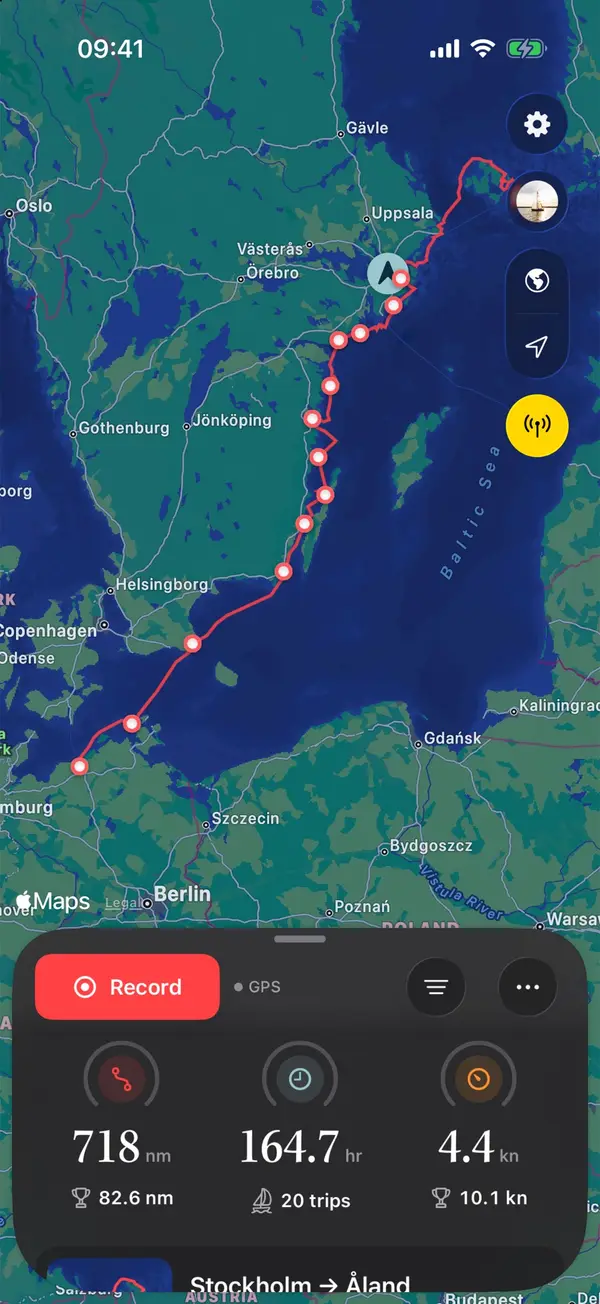
Tap the GPX file in Files (or in Mail) and choose Manta. The guided import splits a long recording into trips, leaves out the hours in harbour, skips trips you already have and asks which boat sailed them. Each trip then gets its map, replay and statistics.
Live data over WiFi
GPSMAP and ECHOMAP displays don't share their WiFi with other apps, but their data runs on the boat's NMEA 2000 network. A small WiFi gateway on that network brings it to Manta Pro, which then records the trip, with wind, depth and speed through the water, while you sail. If you have a Garmin Cortex M1 hub on board, Manta finds it on the WiFi automatically. See Connect your plotter.
Questions
What is the difference between the active track and a saved track?
The active track is what the plotter is recording right now. A saved track is a copy you keep under its own name. On many models the active track has a limited length, so save a trip's track before older points drop off.
My Garmin doesn't offer GPX. What now?
Some models save user data only in Garmin's own format. The manual for your display, or Garmin support, tells you whether yours can write GPX. Manta imports GPX files.
Can I get the track off my GPSMAP over WiFi?
Not into Manta. GPSMAP and ECHOMAP displays share their WiFi only with Garmin's own apps. For a file, use a memory card; for live data while you sail, use a WiFi gateway.
Manta does this for you
Import and export GPX tracks
Bring in old tracks from your plotter or other apps; long recordings are split into trips. Export any trip as GPX.